
SunCom Limited
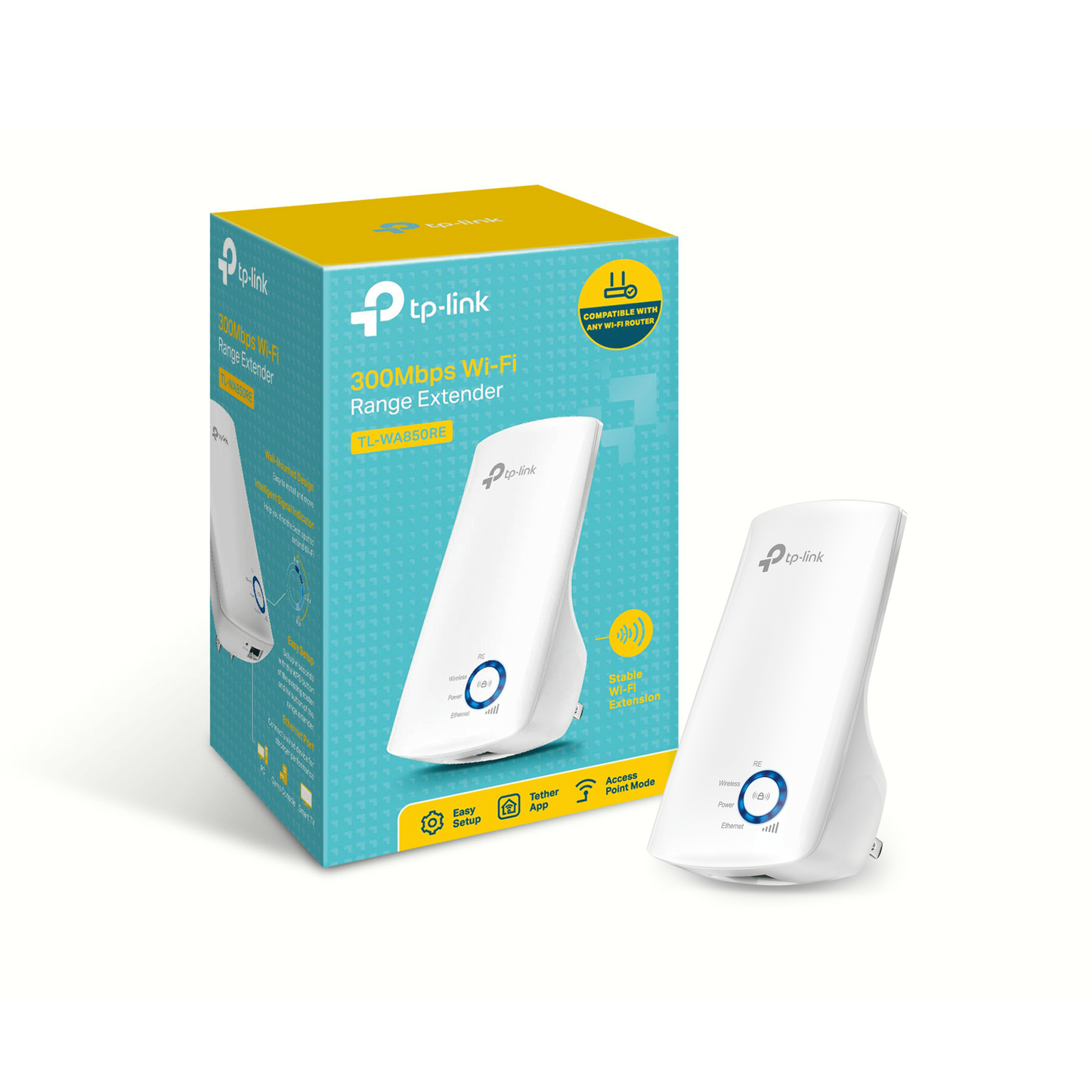
TP-Link WiFi Extender
TP-Link WiFi Extender
Couldn't load pickup availability
Key FEATURES
-
Dual-Band (2.4 GHz + 5 GHz) WiFi
Supports both frequency bands, improving flexibility and speed compared to single-band models.
(Example: TL-RE200 – up to 300 Mbps on 2.4 GHz + 433 Mbps on 5 GHz.) -
Wall-Plug or Compact Design
Many models plug directly into a wall outlet, saving space and keeping setup simple. -
External Antennas (on Higher Models)
Provide stronger and more even coverage.
(Example: RE450 has three adjustable external antennas.) -
Ethernet / LAN Port
Lets you connect wired devices (e.g., Smart TV, game console) or use the extender as a wireless bridge.
(Example: RE650 includes a gigabit Ethernet port.) -
WPS / One-Push Setup
Allows quick pairing by pressing the WPS button on both your router and extender. -
Signal Strength Indicators
LED lights help you find the best placement location for optimal performance.
(Example: RE650 features an intelligent signal light.) -
Universal Compatibility
Works with almost any standard WiFi router, regardless of brand.
(Example: TL-WA850RE supports 802.11n/g/b routers.) -
WiFi 6 Support (on Premium Models)
Delivers higher throughput, lower latency, and better multi-device performance.
(Example: TL-RE605X offers AX1800 speeds – 574 Mbps on 2.4 GHz + 1201 Mbps on 5 GHz – with MU-MIMO & OFDMA.) -
Access Point / Bridge Mode
Can act as a new WiFi access point or bridge when connected via Ethernet.
(Example: RE650 supports AP mode.)
Why These Features Matter
-
Dual-Band Advantage: 5 GHz offers faster, less crowded connections for gaming or streaming, while 2.4 GHz works better for long-range and older devices.
-
Placement Indicators: LEDs help ensure the extender receives a strong signal from your router — crucial for good performance.
-
Ethernet Port: Ideal for connecting stationary devices that need stable wired connections.
-
WiFi 6 Future-Proofing: Great for newer routers and homes with many smart devices.
-
Compatibility: Works with nearly all routers, making it easy to upgrade without replacing your network setup.
-
TP-Link Tether App: Simplifies setup, placement, and firmware updates.
-
Placement Tip: Don’t put the extender too close or too far from the router. Halfway placement usually gives the best coverage.
Share