

How to Fix a Phone That Charges Slowly: A Complete Guide
..Is your smartphone taking forever to charge? You’re not alone. Slow charging is one of the most frustrating issues smartphone users face today — especially when you’re busy and need a quick top-up. The good news: it’s often fixable without expensive repairs. Whether you’re using an iPhone, Android, or any other device, this comprehensive guide will walk you through the most effective solutions to restore your phone’s charging speed.
Understanding Why Your Phone Charges Slowly
Before diving into solutions, it’s important to understand the factors that contribute to slow charging. Your phone’s charging speed depends on three main components:
-
the power adapter,
-
the charging cable, and
-
your phone’s battery health.
When any of these elements experience issues, your charging speed suffers. Common culprits include:
-
Worn-out or damaged charging cables
-
Faulty or low-spec power adapters
-
Debris or blockage in the charging port
-
Outdated software or firmware
-
Many background applications consuming power
-
Poor ambient temperature conditions
-
Battery degradation over time
By identifying the specific cause, you can apply the most effective solution.
1. Inspect Your Charging Cable and Adapter
The charging cable and power adapter are the first places to investigate. These parts endure constant bending, pulling, and stress — making them prone to damage.
What to look for:
-
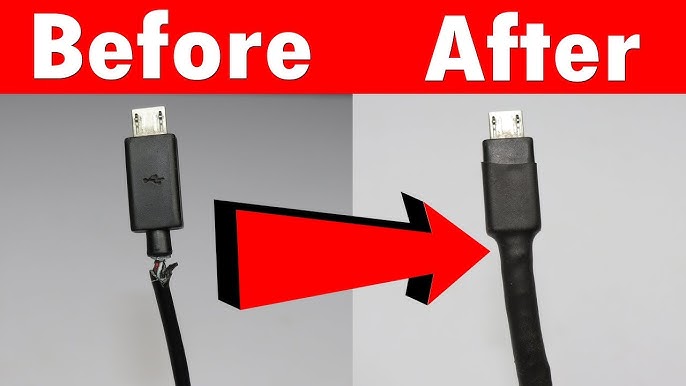
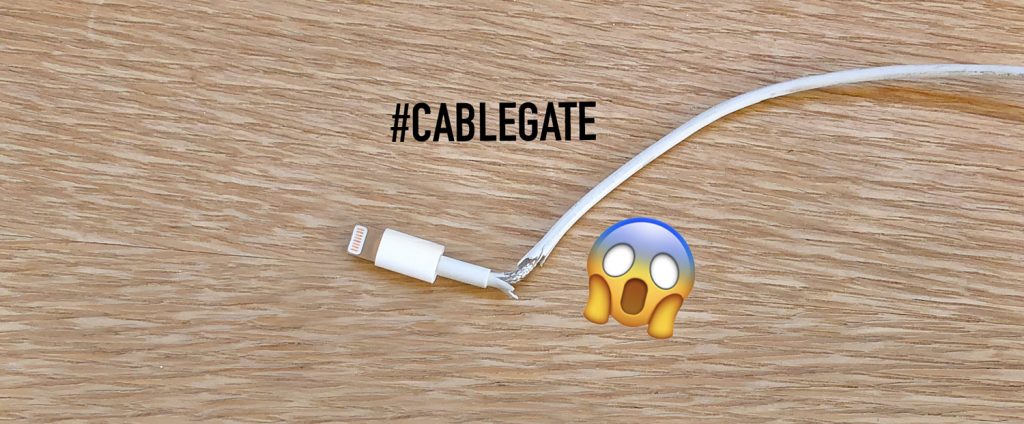
Check your cable for visible damage: fraying, cracking, exposed wires.
-
Inspect both ends of the cable (the phone end + the adapter end) — these areas experience the most stress.
-
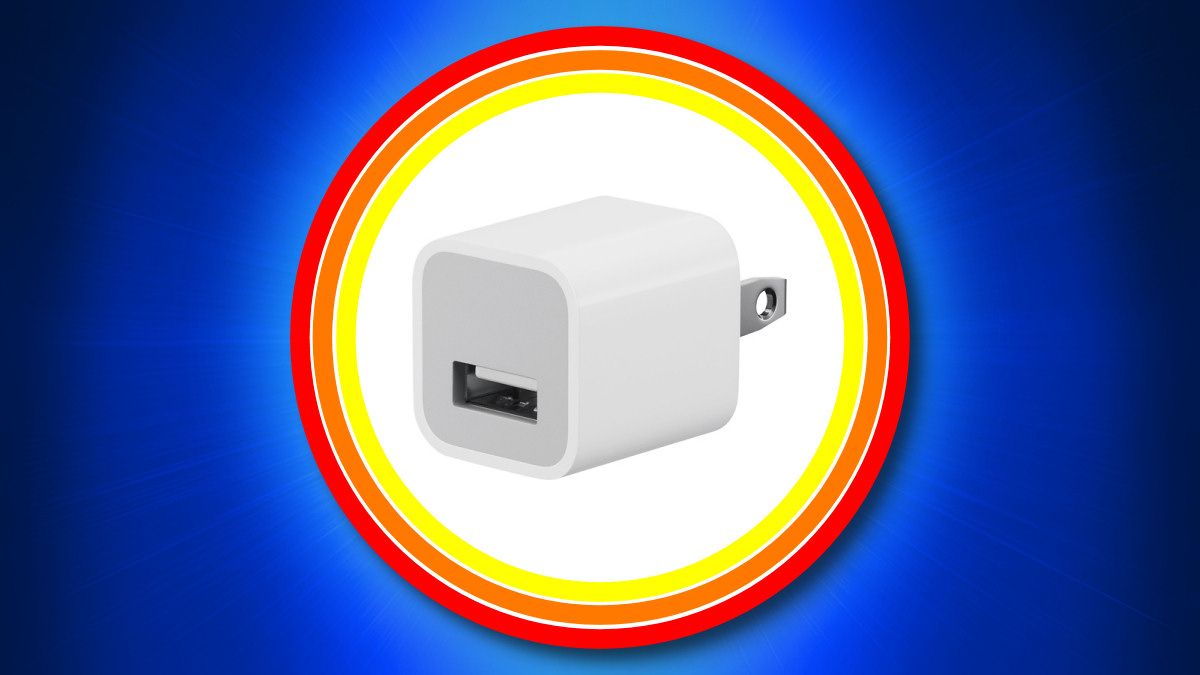
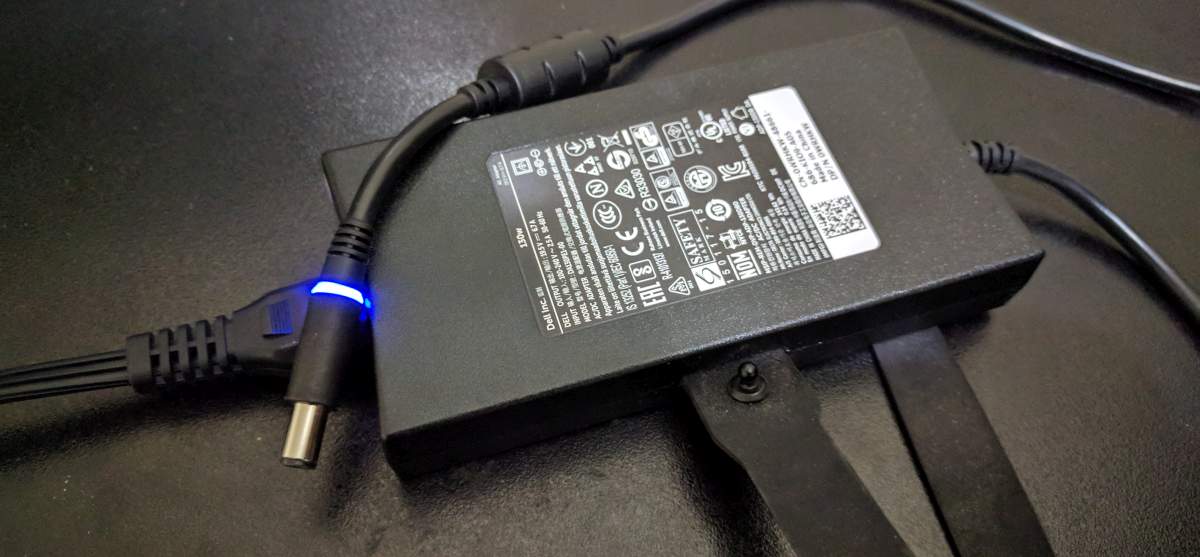
Inspect the adapter: if it feels excessively hot or has burn marks, replace it immediately for safety.
-
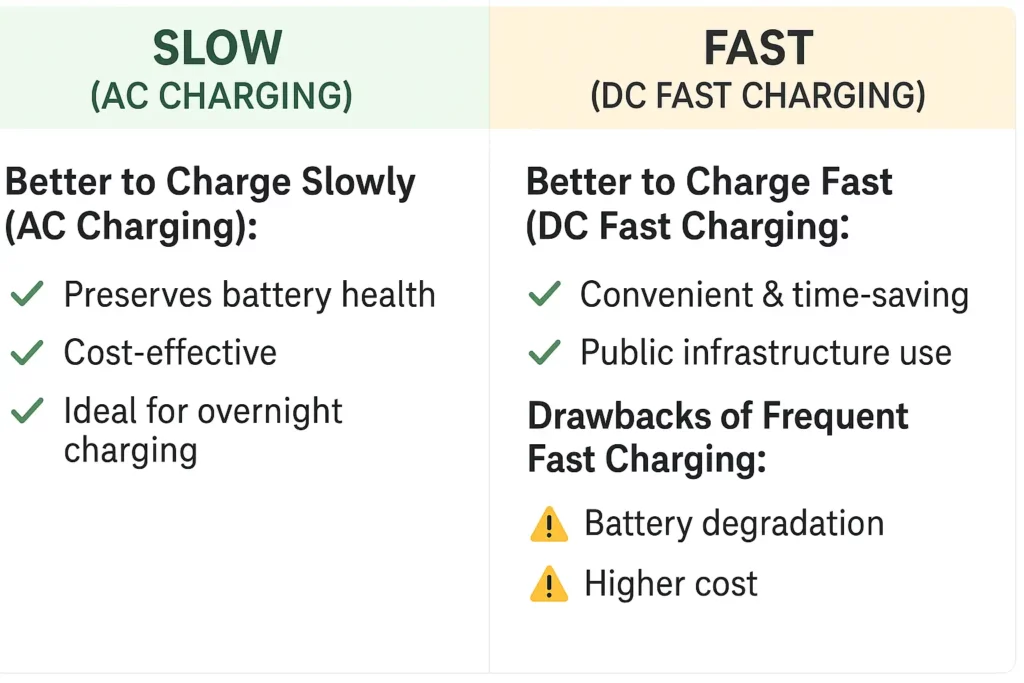
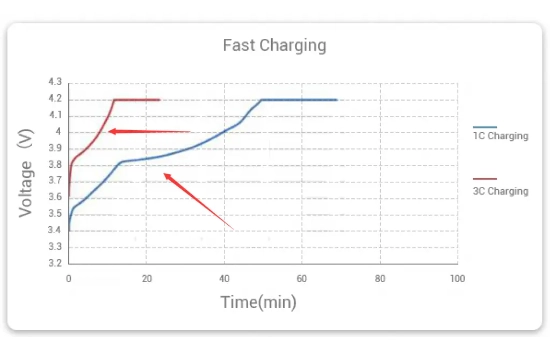
Many users unknowingly use low-quality third-party chargers that don’t provide adequate power output. Always verify that your charger meets your phone’s specifications. For example: if your phone supports 30 W fast charging but you’re using a 5 W adapter — you’ll experience significantly slower charging speeds.
Testing tip:
Swap in a known good cable and adapter (preferably original manufacturer or certified) and test. If charging speed improves dramatically, you’ve found the problem.
Tip: Check out the range of certified chargers and cables at Suncom: Chargers & Cables – Suncom Ltd
2. Clean Your Phone’s Charging Port
Dust, lint and debris accumulation in your phone’s charging port is a surprisingly common cause of slow charging. Over months of use, these particles can interfere with the connection between your charger and phone — increasing resistance and reducing charging efficiency.
Safe cleaning methods:
-
Use a wooden toothpick or plastic cleaning tool to gently remove debris from the port. Avoid metal objects which can damage delicate contacts.
-
Use a burst of compressed air (holding can upright, short bursts) to dislodge particles.
-
Avoid inserting any liquids into the port.
-
If you notice corrosion or green oxidation on the metal contacts — this indicates moisture damage. You can attempt cleaning lightly with a dry cotton swab, but if corrosion is extensive, professional cleaning or repair may be required.


3. Update Your Phone’s Software
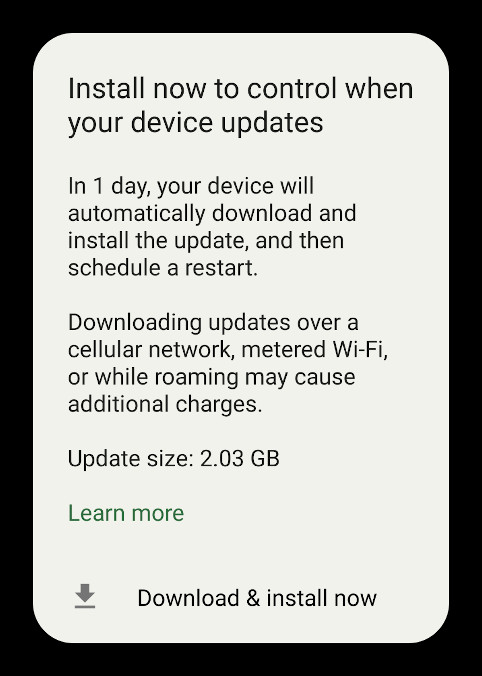
Software bugs and outdated operating systems can negatively impact charging efficiency. Phone manufacturers regularly release software updates that optimise battery management and charging algorithms.
How to update:
-
Android: Go to Settings → About phone / System → System update.
-
iPhone: Go to Settings → General → Software Update.
-
Make sure your phone is connected to WiFi and has sufficient battery (or stay plugged in) during the download and install process.
-
After updating, allow your phone to fully charge once to let the new software settle.
Keeping your software current ensures you benefit from the latest charging optimisations and security patches.



4. Disable Background Apps and Features
When your phone is busy running many apps and features in the background, it diverts power away from the charging process — which slows the overall charging speed.
Optimization steps:
-
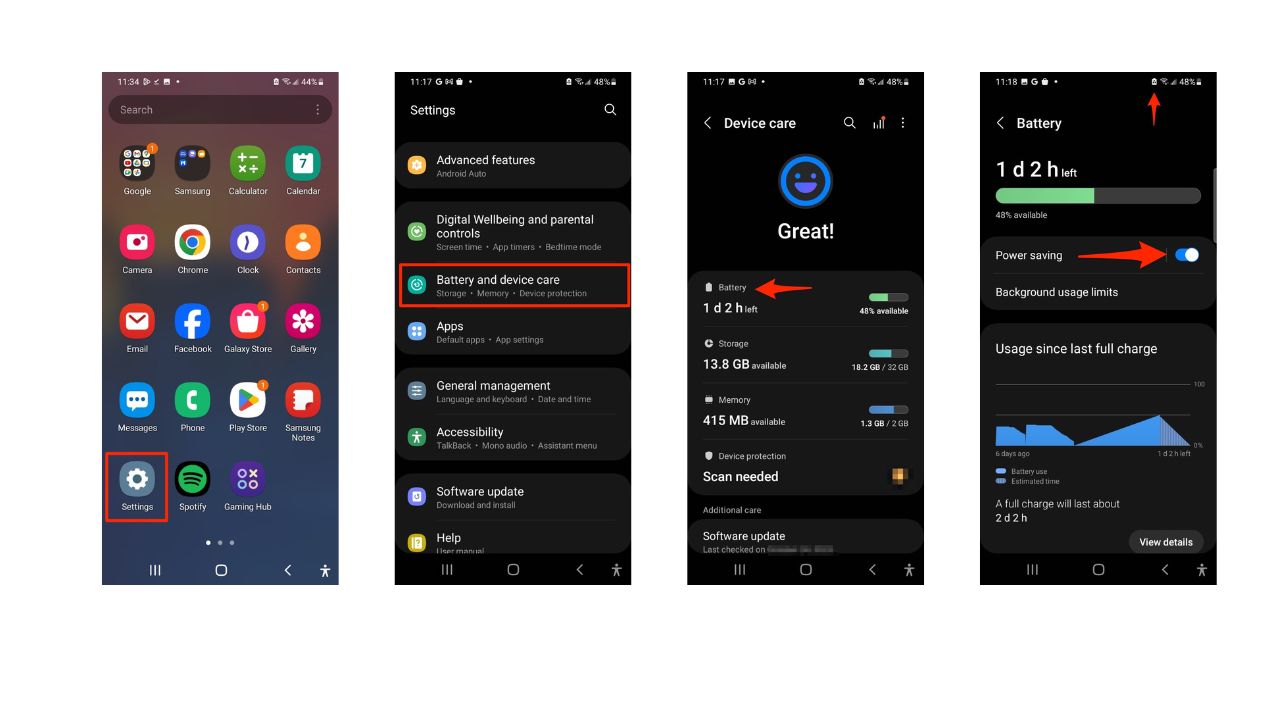
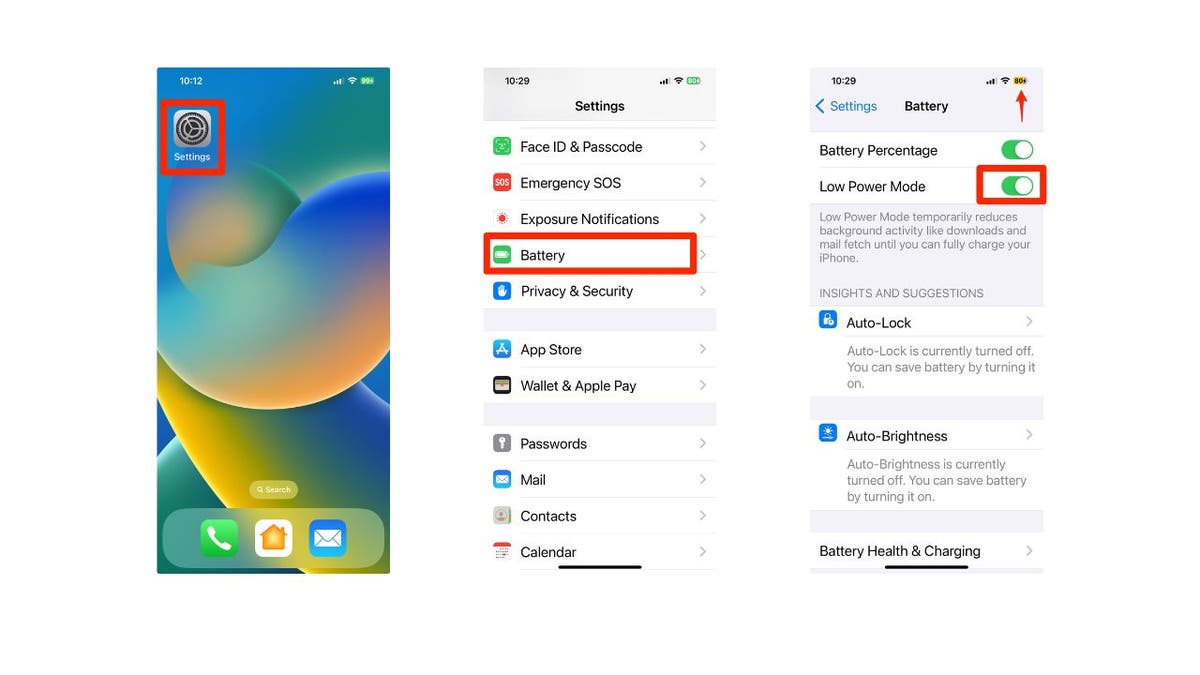
Enable Airplane Mode or Low Power Mode during charging to minimise background activity.
-
Close unnecessary apps running in the background — most phones allow you to see which apps are consuming the most power.
-
Disable features like Bluetooth, WiFi, and mobile data if you’re not actively using them while charging.
-
For Android: check Settings → Battery → Battery optimisation and ensure unused apps are optimised or restricted.
-
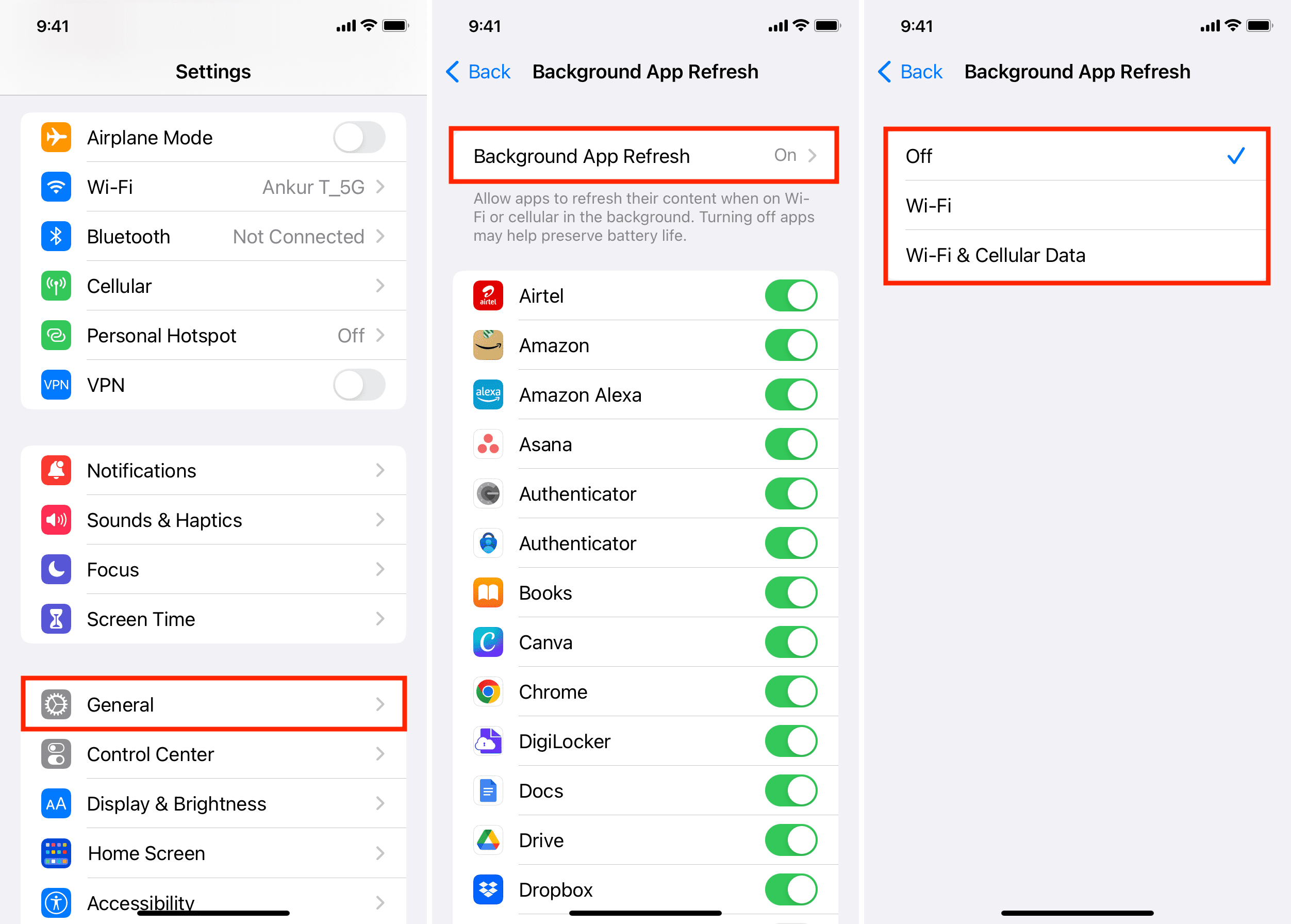
For iPhone: go to Settings → General → Background App Refresh and disable it for non-essential apps.



5. Check Your Battery Health
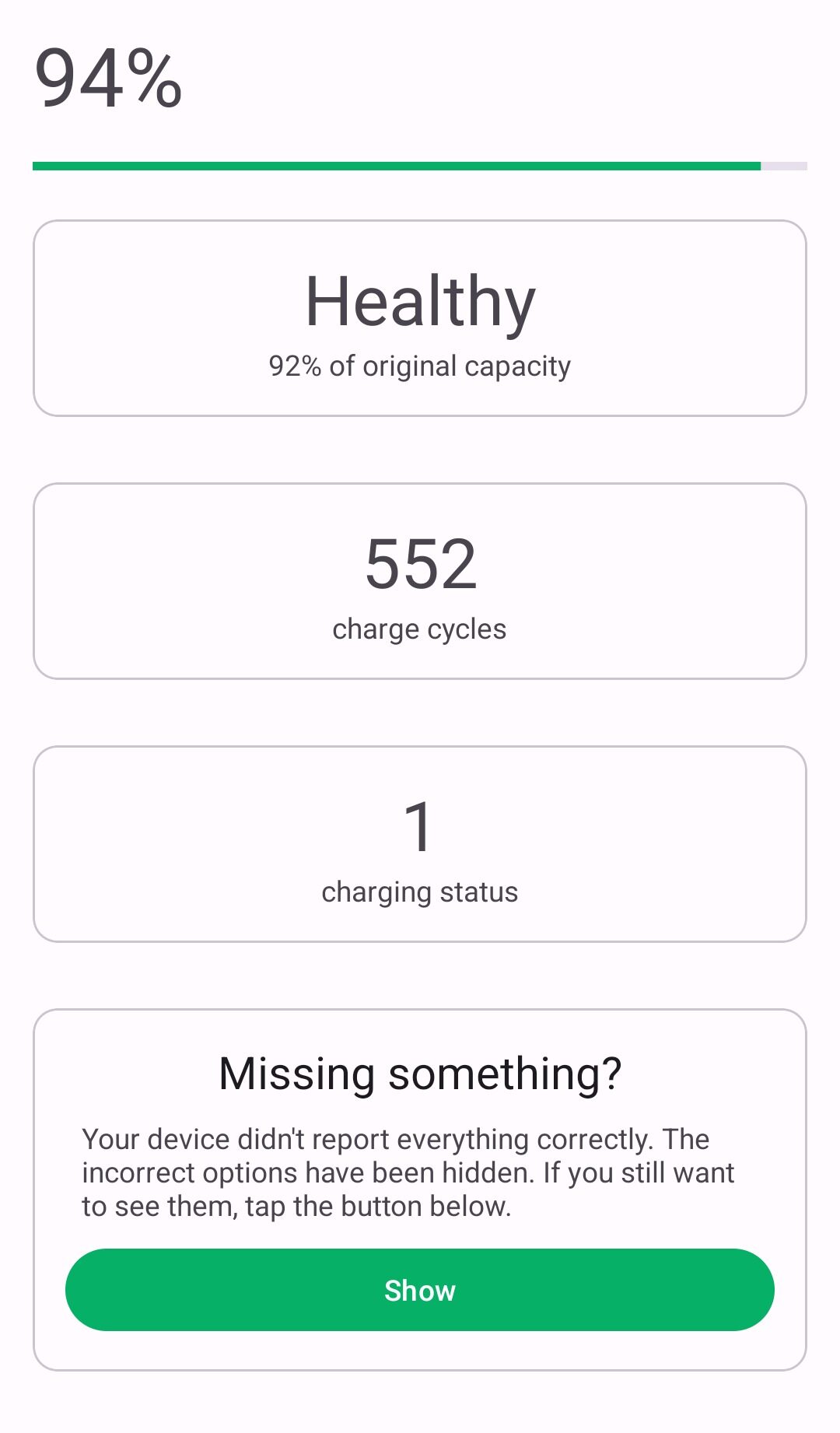
If your phone is several years old, battery degradation might be the root of your slow-charging issue. Batteries have a limited lifespan, typically rated for 300 to 500 full charge cycles before their capacity begins to degrade. As the battery weakens, it may also charge more slowly.
Checking battery status:
-
iPhone: Go to Settings → Battery → Battery Health & Charging. If “Maximum Capacity” is significantly below 100 % (for example 80% or lower), the battery is degraded.
-
Android: Some models show battery health in settings; otherwise use a trusted diagnostics app.
-
If your battery health is below ~80%, you should consider battery replacement. While a degraded battery may charge slowly, it also will not hold a charge as long, which affects your overall phone experience significantly.



6. Manage Your Phone’s Temperature
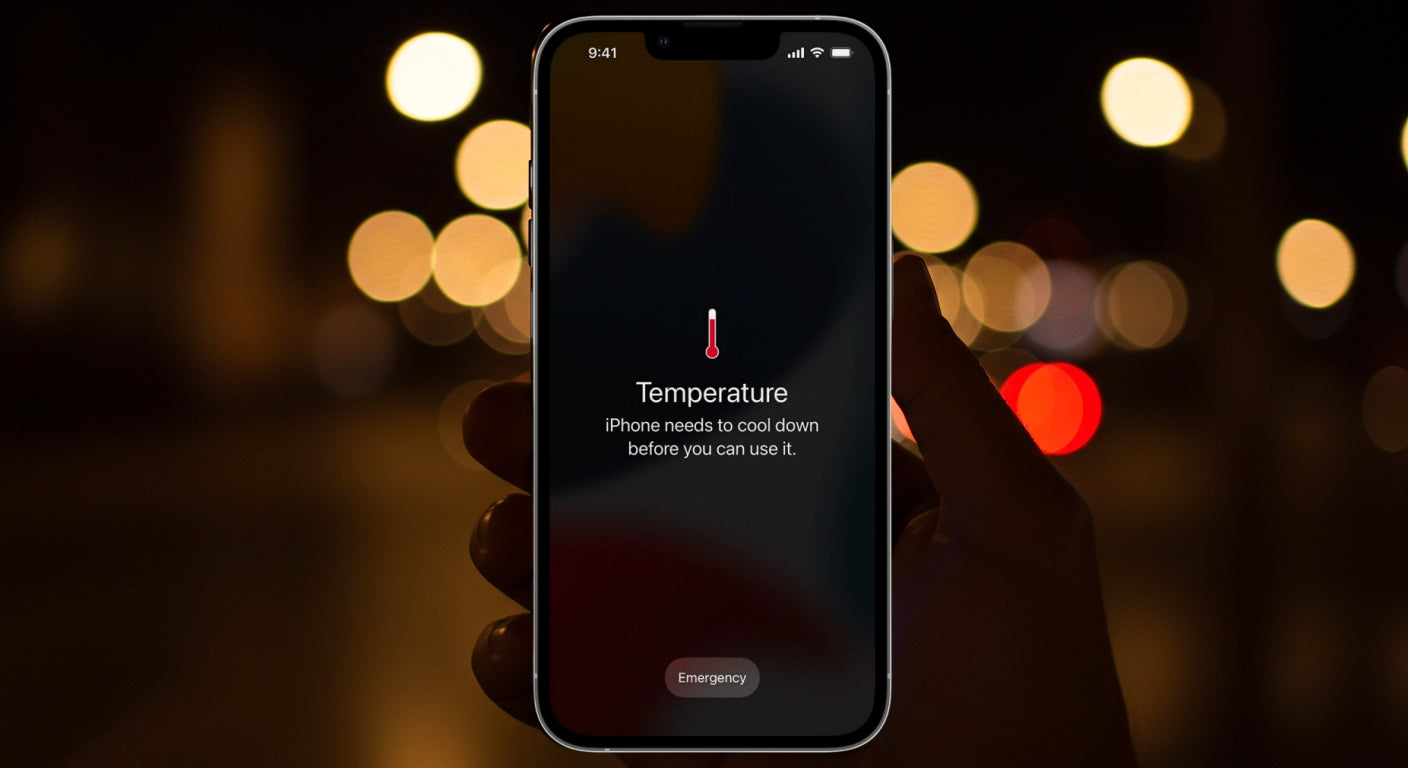
Phones charge optimally at moderate temperatures — typically between 15 °C and 35 °C (59°F to 95°F). Extreme heat or cold can trigger safety mechanisms that slow charging to protect the battery.
Temperature management tips:
-
Remove your phone from its case during charging to allow better heat dissipation.
-
Avoid charging in direct sunlight or near heat sources like radiators.
-
If your phone feels hot to the touch, pause charging, let it cool down, then resume.
-
If it’s too cold (e.g., left in a cold car overnight), bring it to normal room temperature before plugging in.
-
Many modern phones have built-in thermal sensors that reduce charging speed if the device gets too hot—so these precautions matter.




7. Consider Professional Repair
If you’ve tried all the above solutions and your phone still charges slowly, the issue might be hardware-related and require professional attention. Problems such as a faulty charging port, damaged charging circuit board, or internal battery issues may need expert diagnosis and repair.
This is where trusted service providers become invaluable. Suncom Kenya is a reputable tech retail business with branches across Nairobi, offering genuine accessories and service. (SunCom Limited)
If you suspect hardware damage, consider visiting their Contact page – Suncom Ltd or one of their branches for professional repair or replacement.
Additional Tips for Maintaining Optimal Charging Speed
-
Use the Right Charger: Always use the charger that came with your phone or a certified third-party charger with the correct power specifications. Mismatched chargers can damage your phone’s charging circuits over time.
-
Avoid Charging While Heavy Using: If you use your phone heavily while charging (gaming, streaming, hotspot), the device diverts power between running those activities and charging — resulting in slower overall charging.
-
Keep Software & Apps Updated: Beyond just your OS, make sure your apps are being updated regularly. App developers release updates to improve efficiency and reduce battery drain.
-
Replace Batteries Proactively: Don’t wait until your battery is completely degraded. If you notice changes in charging speed or battery life, consider replacing the battery before other issues compound.
Conclusion
Slow charging is frustrating — but it’s almost always solvable with a systematic troubleshooting approach. Start with the simplest solutions: checking your cable and adapter, cleaning your charging port, disabling background apps. Then move on to more complex fixes: software updates, battery health checks, and temperature management.
In many cases you’ll identify and resolve the issue without spending significant money on repairs. However, if hardware damage is the culprit, don’t hesitate to seek professional help — trusted service providers like Suncom Ltd in Kenya can provide expert diagnosis and reliable repairs.
By following the advice in this guide and maintaining good charging habits, you’ll enjoy faster charging speeds, longer battery life, and a better overall phone experience. Remember: a well-maintained phone charges faster, lasts longer, and performs better. Invest a little time in understanding and caring for your device — you’ll reap the benefits for years to come.